Anagrams in Google Docs
A Google Docs add-on that finds the anagrams of the selected word and swaps one in with a click, without leaving your document.
5 Languages · No Account · No Ads
Anagrammio for Google Docs
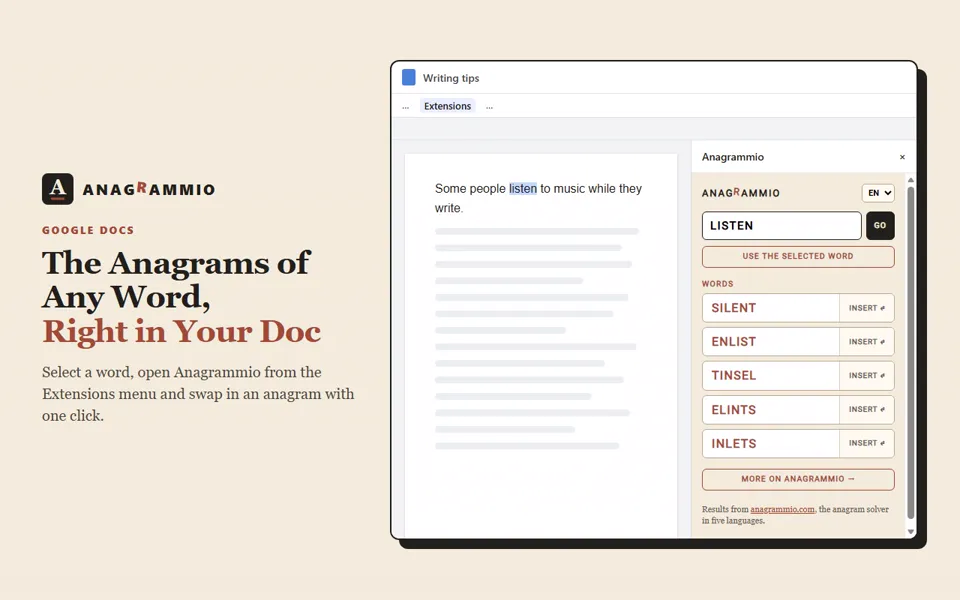
Select a word and the sidebar lists every word and first name spelled with the same letters. Click Insert and the anagram takes the place of the word.
- The most common words first, and every result links to its page on anagrammio.com.
- The word under the cursor is enough, no need to select all of it.
- In English, French, German, Spanish and Italian.
How to Use It
Install the add-on from the Google Workspace Marketplace. It only asks for access to the open document.
Select a word, then open Extensions › Anagrammio › Anagrams of the selection.
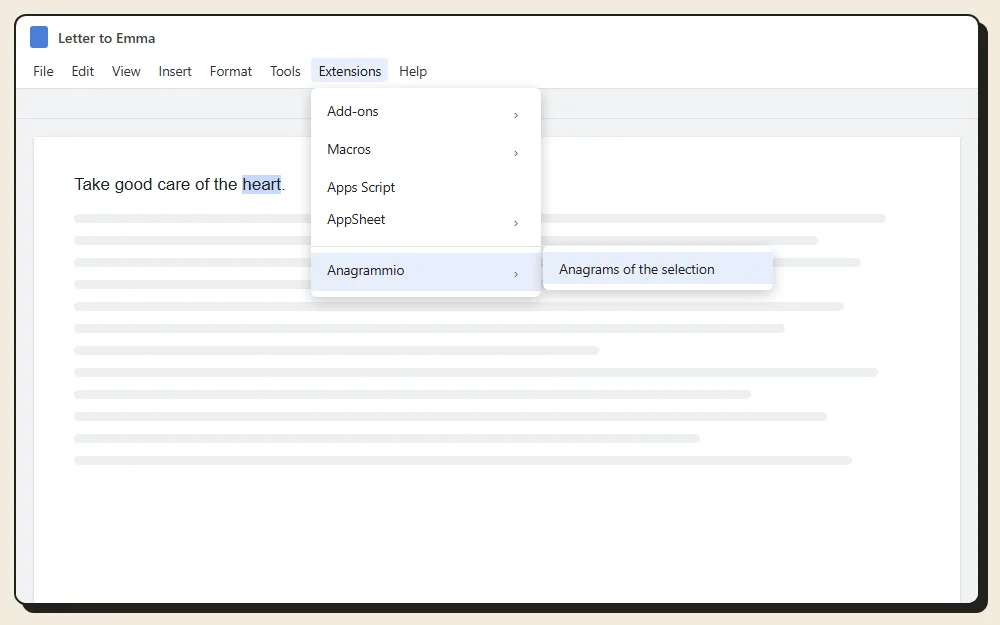
The Google Docs Extensions menu, Anagrammio entry The sidebar opens with the anagrams of the word. “Use the selected word” runs the search again on a new selection.
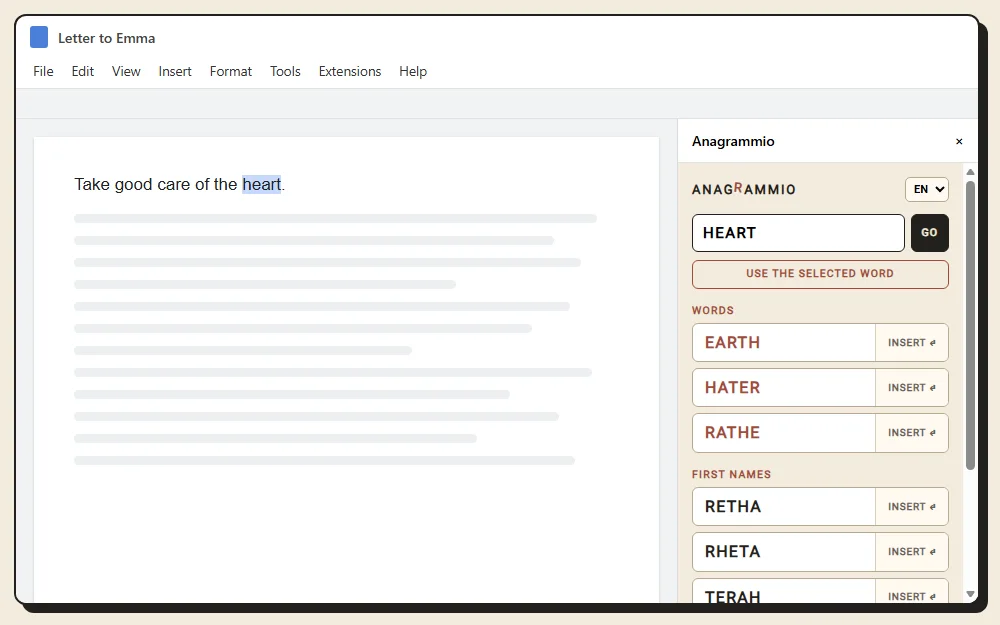
The anagrams of HEART in the sidebar Click Insert next to a result. It replaces your selection, and Ctrl+Z undoes the change.
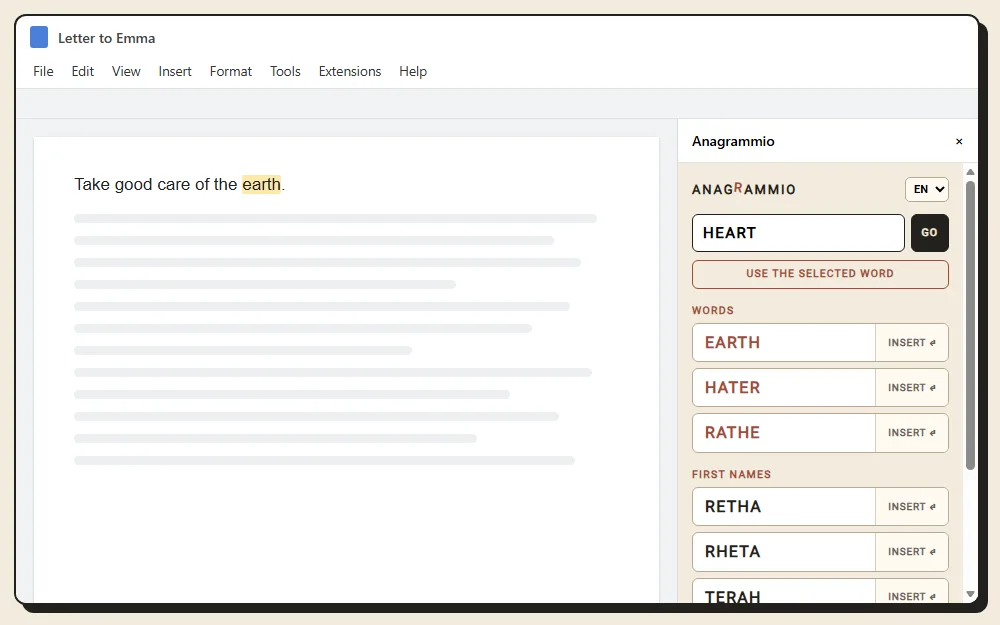
EARTH has replaced HEART in the document The menu at the top of the sidebar switches between the five languages of the site.
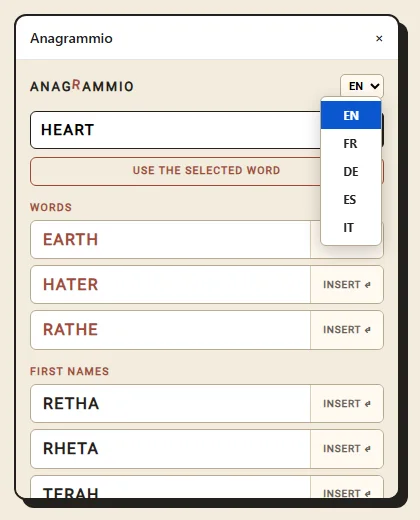
The five-language menu of the sidebar
Private by Design
Only the selected word goes to anagrammio.com, like a search made on the site. The rest of the document never leaves Google Docs. No account, no ads, no tracking.