Anagrammio Extensions for Chrome, Firefox and Edge
Two free extensions that find anagrams without leaving the page you are reading. The dictionary ships with the extension, so no search ever leaves your browser.
5 Languages · Offline · No Data Collected
Anagram Solver & Word Finder
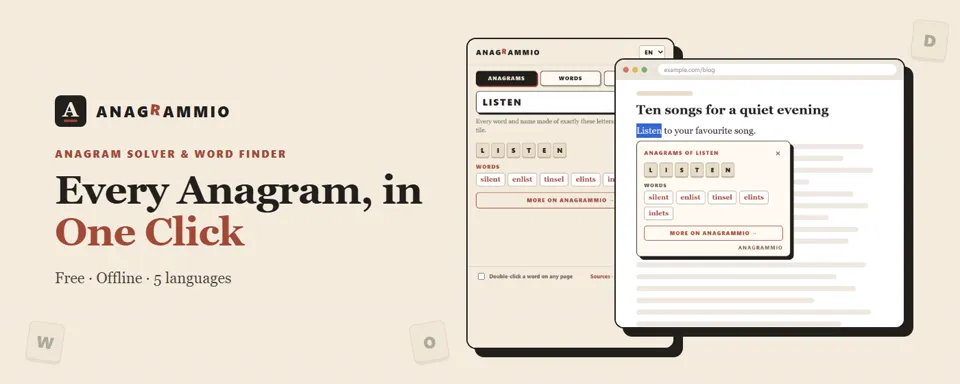
Type a few letters and see every word they make. The extension finds the anagrams of a word or first name, the words you can build from a set of letters and the ones that fit a crossword pattern.
- The most common words come first, so SILENT shows up before the rare ones.
- Right-click a word on any page to open a bubble right under it.
- In English, French, German, Spanish and Italian.
Anagram Name Generator
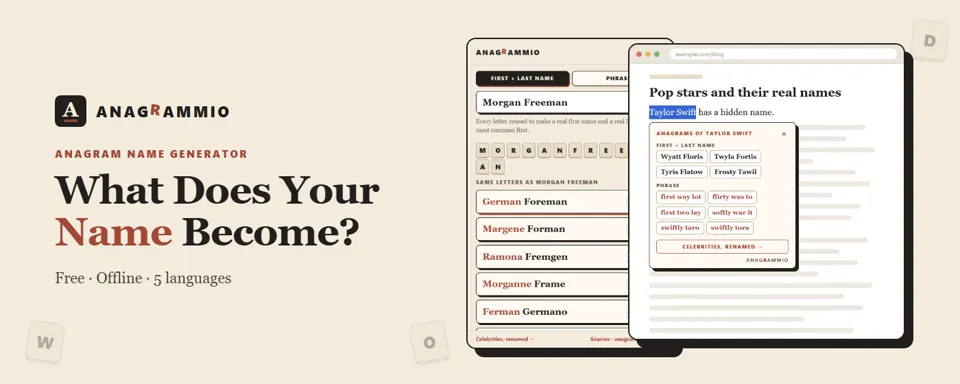
Type your first and last name and the generator rebuilds them into a real first name and a real last name, using every letter once. Morgan Freeman becomes German Foreman.
- First + last name mode, with surnames from the US census.
- Phrase mode, which rewrites the same letters as two or three everyday words.
- Copy any result in one click to share it.
How to Install It
Click the store button for your browser, higher up on this page.
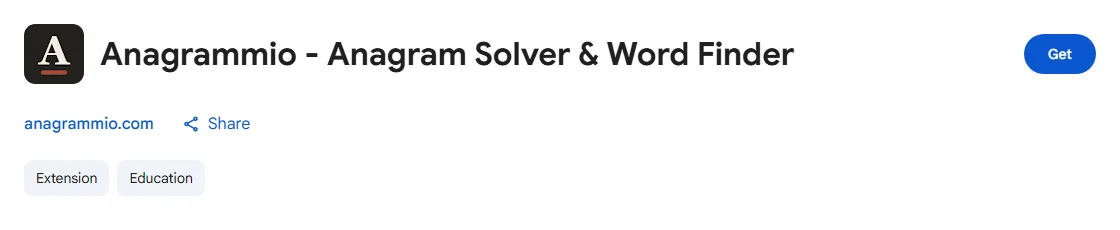
The Anagrammio listing on the Chrome Web Store Choose “Add”. No account is needed.
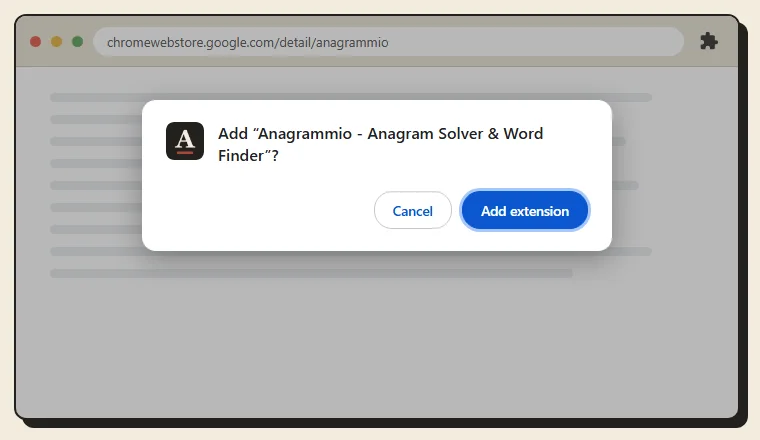
The confirmation window, Add extension button Pin the Anagrammio icon to the toolbar from the puzzle-piece menu, so it is always one click away.
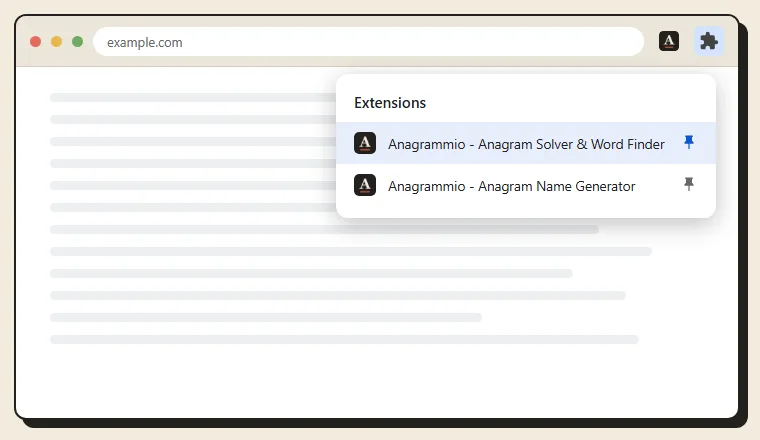
The extensions menu, with the Anagrammio pin Select a word on any page, right-click and choose “Anagrams of…”. A bubble opens right under the word.
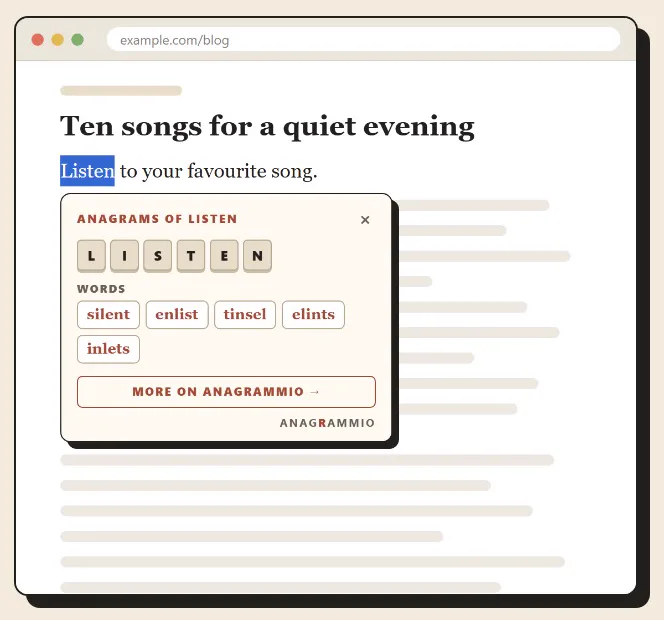
The anagram bubble opens under the selected word Click the icon to open the extension and its three tabs, Anagrams, Words and Pattern.
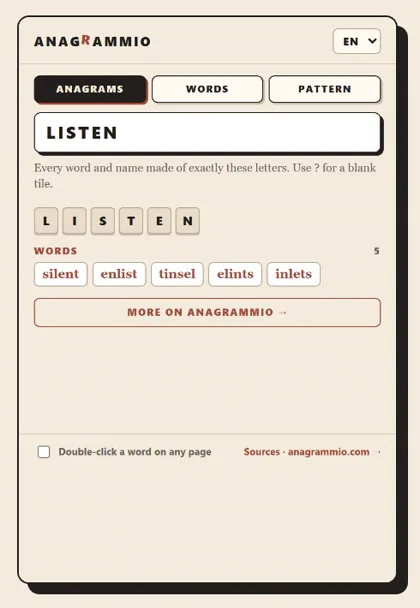
The anagram solver and its three tabs In the name generator, type a first and last name to see them turn into another first and last name.
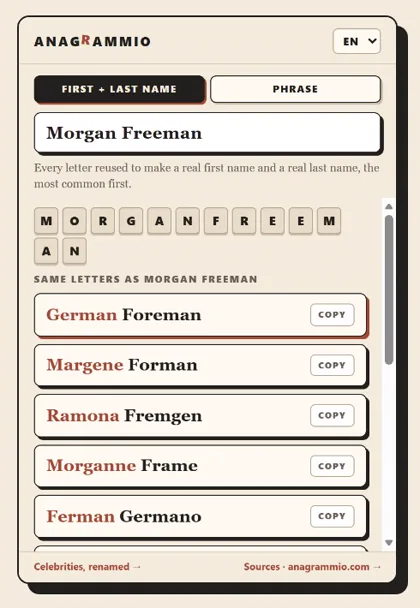
A full name rebuilt into a new one
Private by Design
Both extensions carry their own word and name lists. Searches run inside your browser, with no account, no ads and no tracking. Only the chosen language and the last open tab are remembered, on your device.